CRM Hygiene: 12 steps to a system your team will actually use

Domantas Mozeris
Published Date
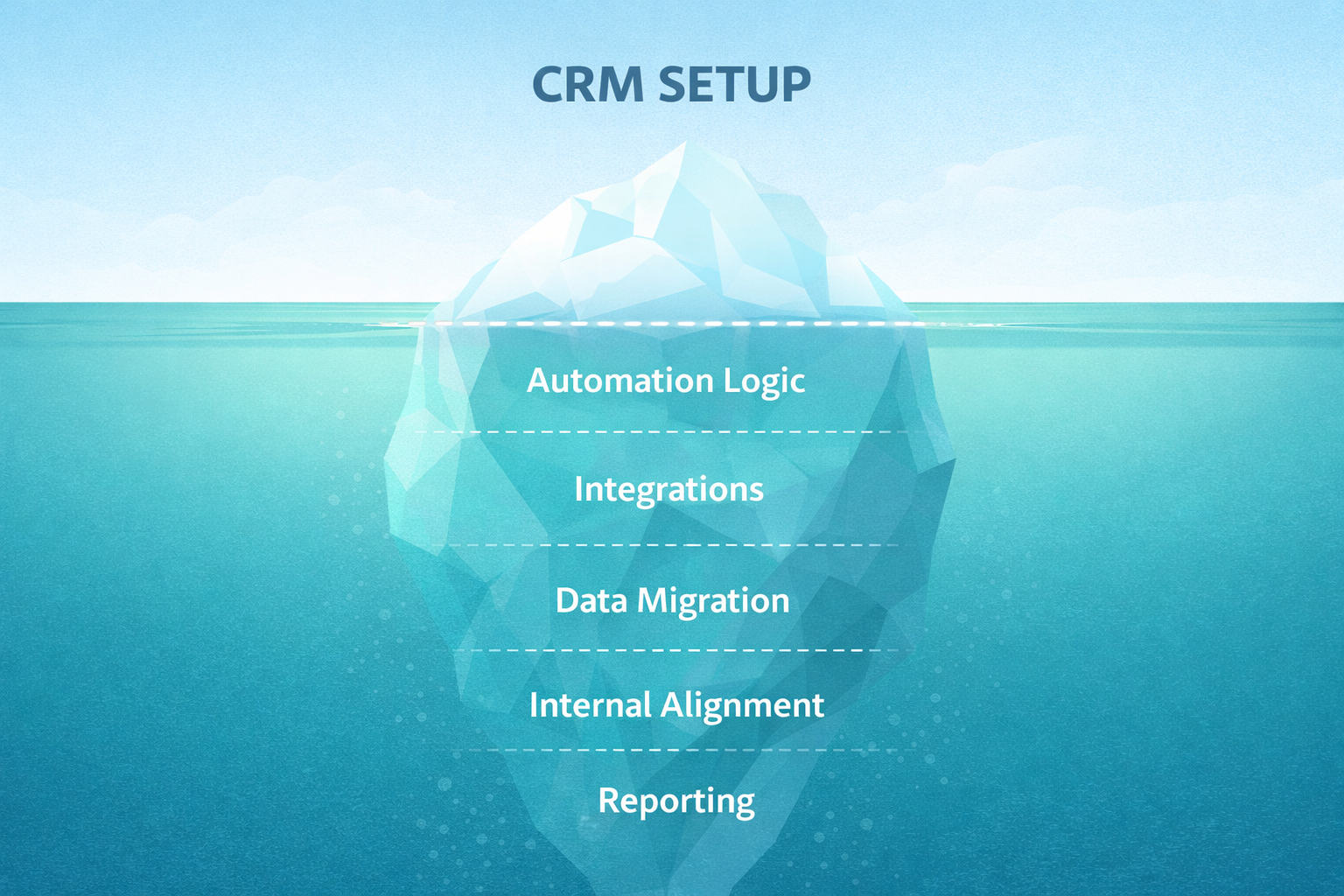
Most people hate CRM. If you are one of them, I have some bad news: it is not them (the CRM), it is you. I’ve seen dozens of "DIY" CRMs built by clients themselves. It seems most people think it’s enough to create an account, set up some pipeline stages, connect their email, and that’s it. But a CRM is like a personal relationship – you get out exactly what you put in 😅
We have implemented and configured all kinds of tools for our clients: Pipedrive, Zoho, Attio, Freshsales, or even Airtable. In every single case, these systems work perfectly, and team adoption reaches 100%. Why? Because ultimate success doesn’t depend on the name of the tool, but on how it’s prepared, configured, and how the team is trained.
If you want your CRM to actually save time and help grow sales, go through this checklist:
1. Pipeline stages reflect the customer journey, not your tasks
Stages should show where the customer is in the buying process. A common mistake is turning "2nd follow-up attempt" into a sales stage. That is a task for the salesperson that belongs in a calendar, not the pipeline. A proper stage would be "Meeting Scheduled." The pipeline is for seeing where sales are stalling, not how many times a rep performed a specific action.
2. Automated lead capture without manual work
Leads from website forms, Meta, or LinkedIn ads must land in the system automatically. If a salesperson is manually copying data from emails or Google Sheets, they are wasting time. Additionally, campaign tags and marketing markers should always land in the system—both for the rep's convenience and for analytics.
3. AI assistant for data enrichment
In B2B sales, the system itself should pull and fill in company details and other public information. A rep shouldn't have to manually hunt for employee counts or revenue figures before a call. The system collects this info in advance so the human can focus on preparing for the conversation.
4. Automatic lead distribution
Inquiries should be assigned to reps without manual intervention. The system should distribute leads based on workload, region, client type, etc. No time should be wasted waiting for someone to see an email and "assign" the client to a responsible person.
5. Response speed within the first minutes
A sale often depends on how quickly you react to an inquiry. A new lead should get an automated confirmation immediately. Ideally, the email should come from the assigned rep’s own inbox. This creates a personal touch, and the client knows their inquiry didn't just vanish into a void.
Did you know? A study by Harvard Business Review (HBR) showed that the odds of successfully qualifying a lead drop by 21 times if you respond in 30 minutes versus the first 5 minutes.
6. Document generation in 2 minutes
All key documents - quotes, invoices, or contracts - should be generated directly from the system. You click a button, and the PDF is ready based on the data already in the CRM. No manual re-typing into Word files. Contracts should also be automatically saved to internal folders (e.g., Google Drive or SharePoint), and invoice data should flow into the accounting system.
7. Automated follow-up and task management
Reminders for the client and tasks for the rep must be created automatically. According to The Brevet Group, 44% of salespeople give up after the first attempt, even though 80% of B2B sales require at least 5 contacts. If a client goes quiet for 3 days, the system should remind you it’s time to act. This is where the biggest money is usually left on the table.
8. Frictionless mobile experience
You must be able to find and enter everything on your phone comfortably. This is a critical point because most CRM mobile apps are tragic. If a rep can’t enter notes on their phone in 30 seconds while sitting in the car after a meeting, they simply won't do it.
9. Data hygiene and ownership
There can be no "loose" records in the system that no one is responsible for. Every company, contact, or task must have an "owner." If there is no owner, it means no one is working with that client.
10. Integrations without data duplication
You should never have to enter the same data manually into two different systems. When an invoice is issued in the CRM, the data flows to accounting. When a sale is won, the relevant info drops into the project management system. When a client is created in the ERP, the contact is synced to the CRM.
11. Real-time analytics
A manager should be able to get answers in 1 minute. If you have to ask a rep to "run a report," the system isn't working. Everything should be visible on real-time dashboards: from conversion rates between stages to average response times or specific reasons why deals are being lost.It’s vital that the team doesn't get lost in the noise - track up to 10 key KPIs. Both reps and managers (this is often where the biggest problem lies) need to check this data constantly, not just once a quarter.
12. Automatic communication history
All calls and emails to clients must be logged automatically. If a colleague gets sick, another team member can see the entire history in a minute and continue working with the client without asking, "So, what did you guys talk about?"
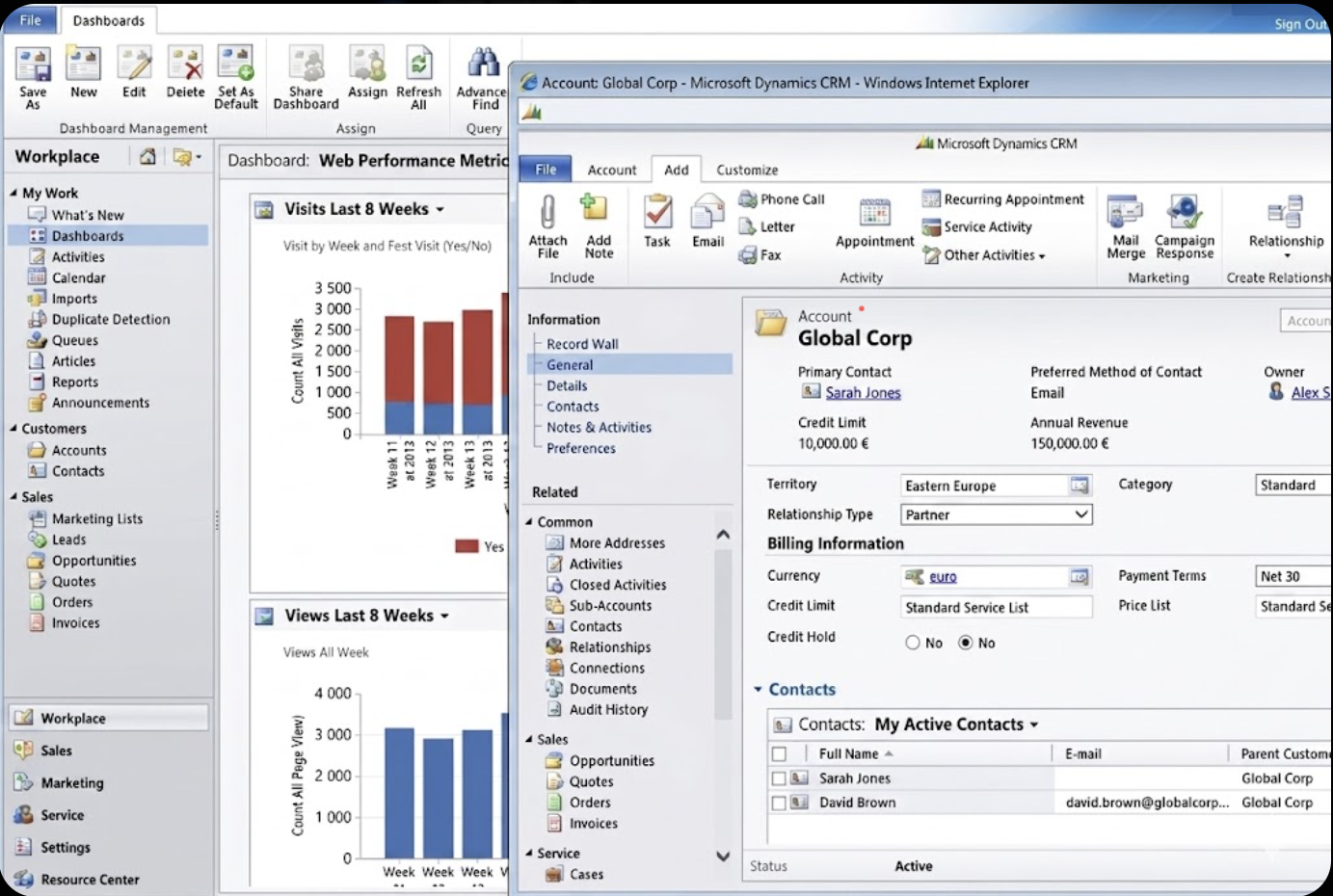
Bonus tip: It will be a lot easier if your CRM isn't Salesforce or MS Dynamics 365 Sales :)
Most importantly: The team itself suggests what to improve. This is the best proof that the system is working. If no one has ideas, it means they aren't actually using it—they're just filling it in because the boss told them to.
Need help with your CRM?
If you feel like your system is getting in the way more than it’s helping, we can help you fix it. We perform CRM audits, help you pick the right tool objectively, and configure it so your team actually wants to use it. Let’s talk!

.png)