Build a CRM with AI or buy one? When each option makes sense
.png)

Domantas Mozeris
Published Date
According to HubSpot co-founder Dharmesh Shah, even the Lovable team uses HubSpot.¹ So why didn't they build their own CRM on their own platform? 😅
"Anyone can build a CRM with AI" is a popular line these days.
But not everyone can. And even when you can, it doesn't always make sense.
When should you build a CRM with AI? Three scenarios
There are plenty of nuances, but I'd start with three scenarios:
- Standard sales needs → an existing CRM.
- An unusual, clearly defined process that an AI app builder can support → a custom app built with AI.
- Complex workflows connecting sales, finance, logistics or other departments, with extensive custom logic and integrations → custom software or an enterprise CRM such as Salesforce, with help from developers.
In the first case, you can usually configure an existing CRM: sales stages, fields, automations and reports. In the second, you're building a tool for a specific process. In the third, you need to plan how the whole system will work, how it will be tested and who will maintain it.
The number of departments alone doesn't decide which option fits. What matters is how much their processes depend on each other and what happens if the system gets something wrong. Developers can use AI too.
How do Zite, Lovable, Claude and Codex differ?
Information checked on 7 October 2026. Features and plans change.
"Building with AI" can mean quite different things. When choosing a tool, look at what it already provides and what you still need to build.
With Claude, it's useful to distinguish between a regular chat, where you can discuss requirements or get code examples, and Claude Code, which works directly with your project files.
So when you pay for Zite or a similar platform, you're also paying for ready-made features and infrastructure. If these fit your needs, you need less technical knowledge and spend less time on setup and maintenance. You still need to define and test your workflow, access rules and integrations.
Check what each integration actually supports. Sending emails from Outlook, for example, isn't the same as syncing an entire mailbox with your CRM. Features and usage limits also depend on your plan.
Sources: Zite features, plans and Outlook integration, Lovable Cloud, Claude Code, Codex in practice.
A practical example: CRM and route planning with Zite
One of our clients needed a CRM and a specific route-planning tool that used the same customer data. We couldn't find a suitable product, and the client didn't want several separate tools. So we built a combined solution with Zite.
For clearly defined needs like these, Zite is worth considering. Before you start, check whether it supports the integrations, access controls and data volumes you need.
Why buying an existing CRM often makes more sense
In our view, for most teams, choosing an existing CRM is faster, cheaper and more reliable than building their own with AI. Here are the main reasons.
1. Lack of CRM experience
First, you need to know what a good CRM should do. Otherwise, you won't know what's missing or what to build.
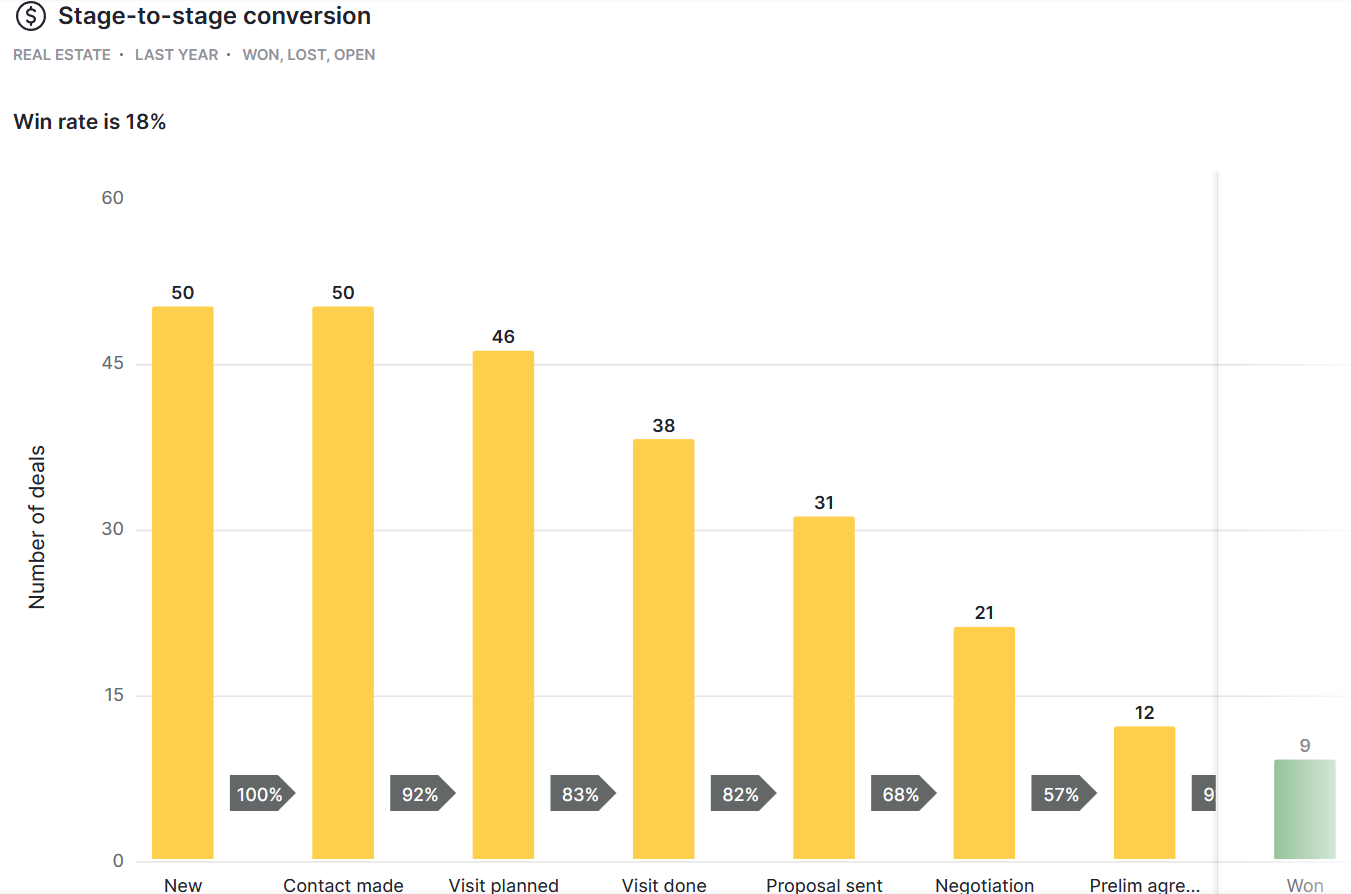
For example, how should companies, contacts and deals be linked? How do you hand over customers to another sales rep? What data do you need to track conversion between sales stages?
To check what your system might be missing, see our 12-step CRM checklist.
2. Lack of technical knowledge
Creating a database of customers and deals is straightforward. The difficulty is in the details: email integration, granular access controls, integrations with other systems, single sign-on (SSO) and keeping the system fast as your data grows.
Getting these and many other features to work reliably with AI isn't straightforward, even with IT experience.
Your app builder may already provide some of these features. In that case, you won't need to build them, but you will still need to check that they work the way your team needs.
3. Implementation time
Iterations, testing, improvements and bug fixes can take weeks or months, especially when you need more than basic features.
You need to test more than whether you can create a customer and a deal. What happens when someone enters incorrect data? When an integration fails? Or when two employees update the same record at once?
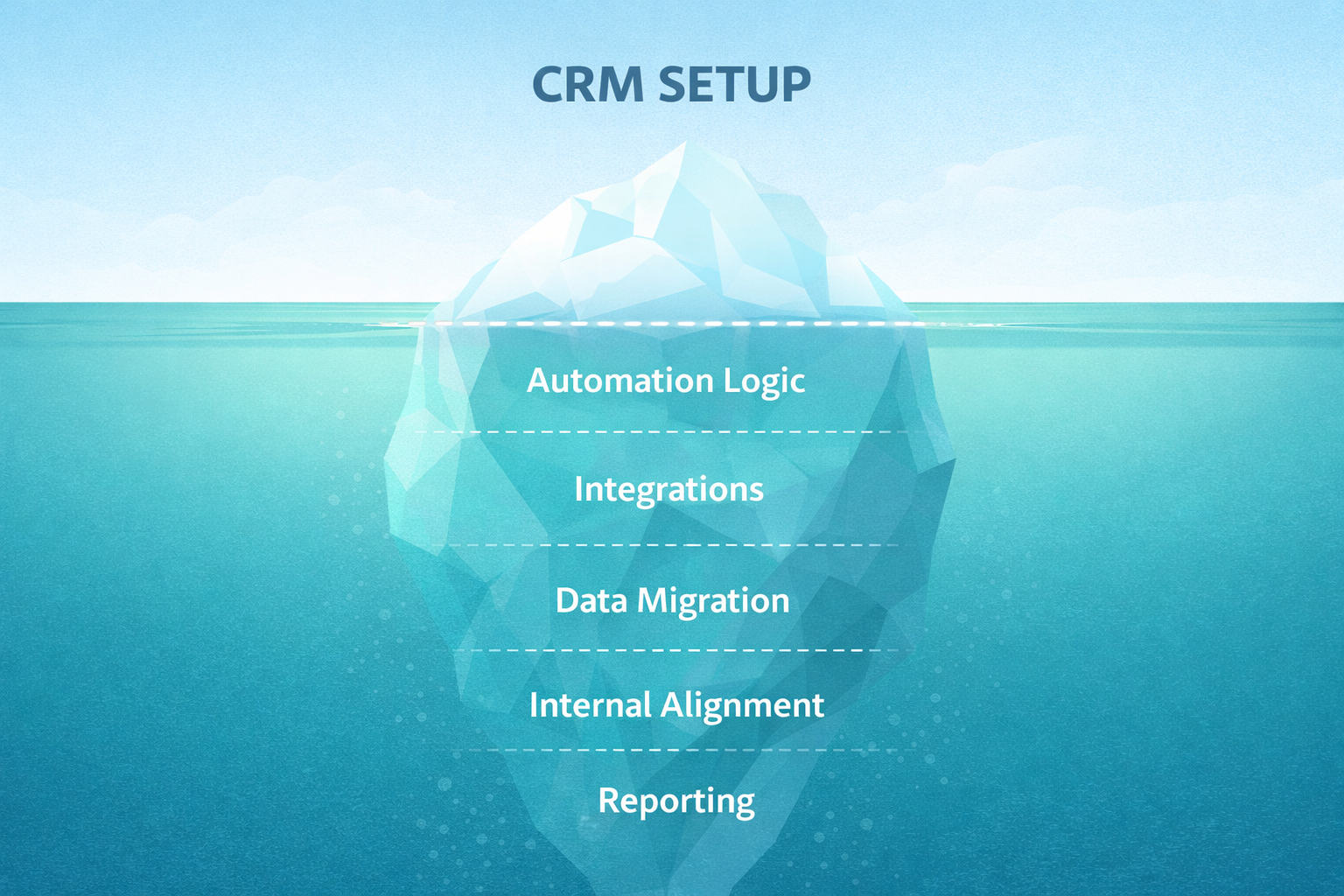
Data migration, configuration and training take time with an existing CRM too. When you build your own, you also need to create and test the features themselves.
4. Maintenance costs
CRM subscriptions cost money, but they typically include hosting, infrastructure security, product updates, maintenance of standard integrations and customer support. What's included depends on the product and plan.
If you save €200 a month on licences but spend a few extra hours on maintenance, those savings can disappear. Five hours at €50 an hour already costs €250.
An AI app builder may also handle hosting and infrastructure. But someone still needs to fix bugs and make changes to the app you've built.
5. Handover risk
If the employee or freelancer who built your app with AI disappears, who will take over its development and maintenance?
Before you start, agree on where access credentials will be stored, how the system will be documented and who could take it over.
What should you consider before building your own CRM?
You can build a CRM with AI, and in some cases it makes sense. The key is to know what you need, why existing tools don't fit and who will look after the system once it's live.
If you're weighing up the options, get in touch. We help teams choose and implement a CRM or build a custom solution.
So before you type "build me a CRM, make no mistakes" into Claude, count the cost of your own time. It's not included in the subscription.
¹ HubSpot co-founder Dharmesh Shah has publicly discussed Lovable's use of HubSpot. HubSpot Ventures has also invested in Lovable, so this example alone doesn't establish why the company chose to buy rather than build.